Restore
Scan recycle bins and trashed media to recover photos, videos, audio and documents.

Free on Google Play
Bring back deleted photos, videos, audio and documents — then free up space, tidy contacts, and keep private media locked. All on your device.
Four tools · One app
Four focused tabs work together: restore what vanished, reclaim storage, clean messy contacts, and hide what should stay private.
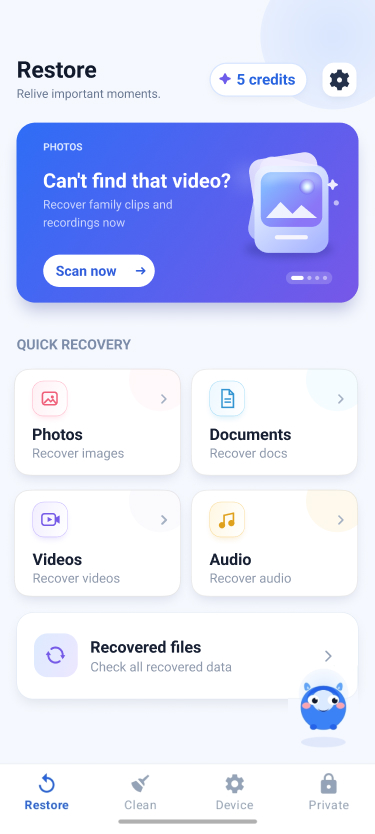
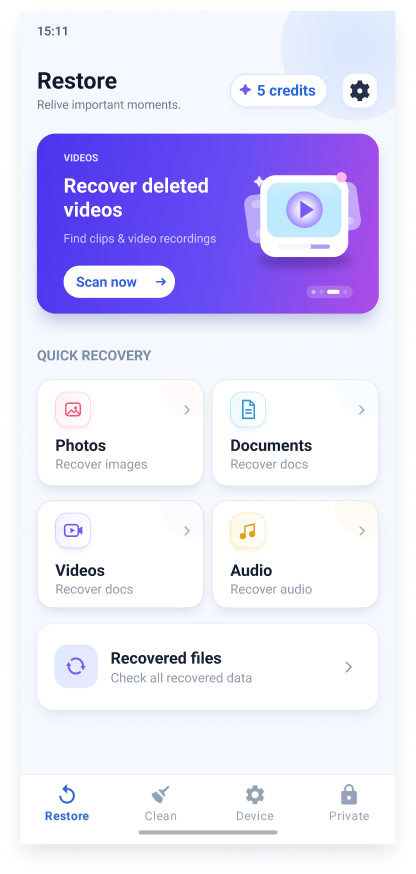
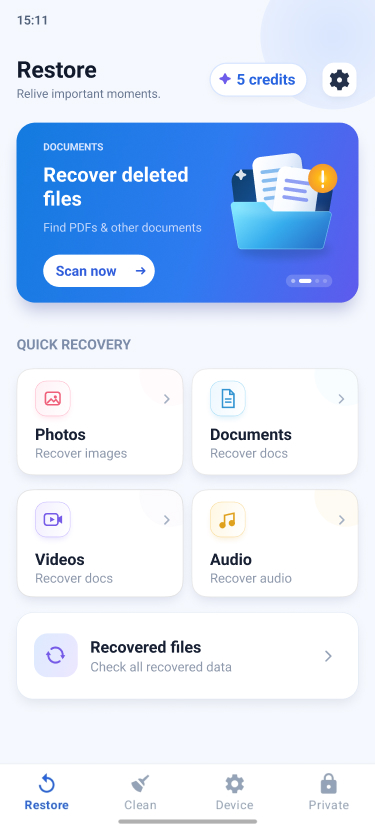
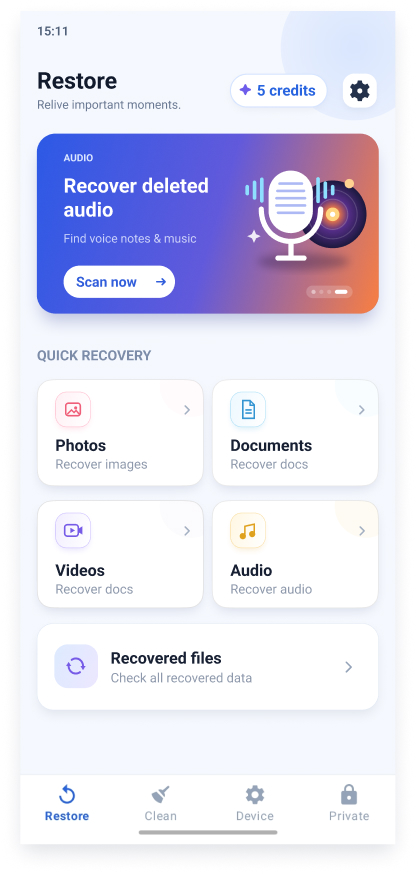
Scan recycle bins and trashed media to recover photos, videos, audio and documents.
See storage at a glance, then remove similar photos, screenshots, large images and videos.
Find duplicates, empty cards and nameless entries — merge or delete in a few taps.
PIN-protect private photos and videos in an app-only folder that stays out of the gallery.
Restore hub
Photo Recovery scans system and OEM trash folders, plus Android’s trashed MediaStore items, then groups results by folder so you can preview and bring files back.
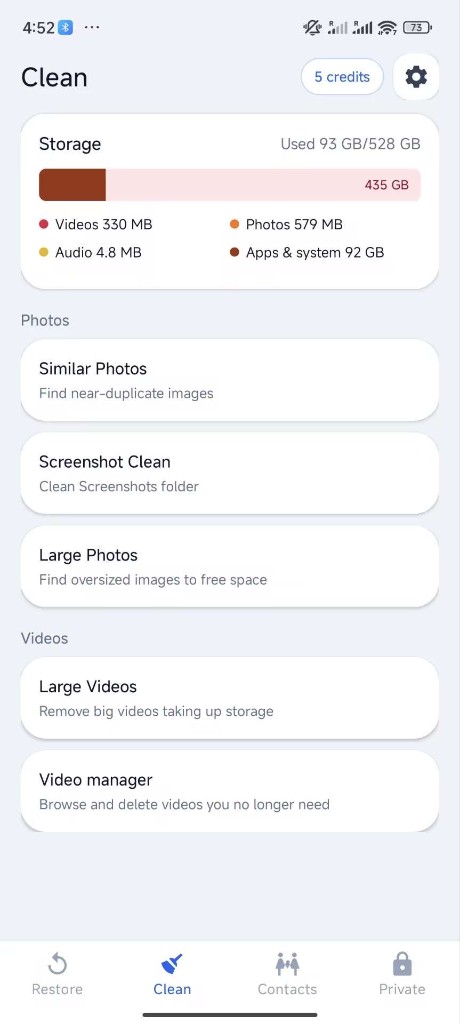
Clean toolbox
A storage breakdown shows photos, videos, audio and other usage. Jump into targeted cleaners instead of hunting blindly.
Contacts & Private
Two quiet power tools sit beside restore and clean — keep people organized and keep media private.
Scan for duplicate numbers and emails, empty contacts, and entries without a name. Merge matches or remove clutter safely.
Set a 4–6 digit PIN, import photos or videos into an app-private folder, and keep them out of the system gallery until you unlock.
Built for trust
Your media stays on the phone. Core actions use a simple daily points system — watch a short rewarded ad when you need more. No paid subscription.
Get Photo Recovery from Google Play on Android 7.0 or newer.
Grant storage (and contacts if you tidy the address book).
Preview results, pick what to keep, restore or clean.
Files land in Recovered; history stays on your device.
Ready when you are
Free to download on Google Play. Restore deleted media, reclaim space, clean contacts, and protect private files — without a subscription.
© 2026 Photo Recovery. All rights reserved.